Responsive Design & Mobile Optimization in Kuwait

Responsive web design agency in Kuwait

A Kuwait company site can look finished on a desktop and still fail on the phone most customers use: Arabic letters that come apart, a menu that opens off the edge of the screen, a form that refuses a Kuwait number. We fix the site you already have, template by template, in Arabic and in English. Every fix is listed in the quote, tested on iPhone and Android, and recorded in a change log you keep.

  • Arabic layout fixed right to left
  • Forms that accept Arabic input
  • Lighter pages on mobile data
  • Every fix listed in the quote
Get a mobile fix quote
Kuwait City skyline behind phones, a tablet and a desktop running the same Arabic site

Is the problem the phone view, or the whole site?

Phone view only
Send the address and the pages that break. We quote for template fixes and leave the rest of the site as it is.

Quote mobile fixes

The whole site
If the content and structure are out of date too, fixing phones alone won’t help. Ask for a website quote instead.

Ask about a new site

Fix list

Every fix written down and approved before work starts

AR + EN

Both language versions tested on the same phones

17 services

Mobile fixes alongside web, marketing and design work

Since 2012

Websites and digital marketing for over a decade

What a mobile fix job covers

Faults usually sit in a handful of templates, so the fix list is written per template: home, listing, detail, form and checkout pages, each in Arabic and in English.

Direction

Right-to-left layout, with arrows, menus and sliders mirrored

Arabic type

An Arabic web font, enough line height and letters that stay joined

Forms

Arabic names, Arabic digits and Kuwait numbers accepted

Floating elements

Chat buttons, cookie bars and pop-ups that never cover content

What has to work on a phone, in Arabic and in English

We run seven checks on each agreed template, once in each language, before any fix and again after it.
A template passes only when both languages pass.

Staircase of floating web and security icons, climbed by a woman in an abaya

How fixes are applied, with your approval

Fixes are made on a copy of the site and checked by you on your own phone. Approvals come by email or in a short video call.
The live site changes once, after your test.

STEP 01. Phone walk-through

We open the agreed pages on phones in both languages, the way customers reach them: from an Instagram link, a Google result and a typed address. Each fault goes on a list with a screenshot.

STEP 02. Faults grouped by template

Faults that come from the same template are grouped, so one fix covers every page built on it. You approve the list, one line per template, together with the quote.

STEP 03. Backup and staging copy

Files and database are backed up, and a staging copy is set up where your hosting allows it. The live site stays exactly as it is during the work.

STEP 04. Arabic first, then English

Arabic templates usually carry most of the faults, so they are fixed first. The English versions are checked after each change, so a fix in one language never breaks the other.

STEP 05. Your test on your phone

You receive the staging link and a short checklist. You or your staff go through it on your own phones, note anything still wrong, and sign off when it is right.

STEP 06. Go live and check again

The fixes move to the live site at an agreed quiet hour. We check the same pages again on the live site and send the change log. Support after go-live is stated in the proposal.

Three phone faults we find on Arabic sites

Each one is easy to miss on a desktop and obvious to a customer holding a phone.

Arabic letters come apart

Words look broken or cramped.

  • What you see: disconnected or overlapping letters
  • Usual cause: letter-spacing, or a font with no Arabic
  • The fix: an Arabic web font, spacing removed

Numbers turn around

Mixed lines read in the wrong order.

  • What you see: prices, phones or dates out of order
  • Usual cause: numbers and Latin words not isolated
  • The fix: direction isolation on all mixed text lines

Floating buttons cover the page

Customers can’t reach the real button.

  • What you see: chat icon or cookie bar over buttons
  • Usual cause: plugins added with no phone rules
  • The fix: repositioned or hidden on small screens

Change log, backups and your access

A mobile fix should leave you knowing exactly what changed and still in control of your own site. These three items come with every job.

Nothing is changed that is not in the log.

  • Each fix, the template and the date
  • Files edited, named one by one
  • Each page captured before and after
  • Anything left out, with the reason

  • A full backup before the first change
  • A second backup before go-live
  • Where each backup is stored
  • How to roll back a step if needed

  • We work through our own user account
  • That account removed when the job ends
  • Licences stay in your company’s name
  • No new paid plugin without your approval

Sites from our portfolio

Most of these projects were built for clients outside Kuwait. They show how we handle layouts, menus and forms; they are not a list of Kuwait clients.
Portfolio examples, mostly outside Kuwait.

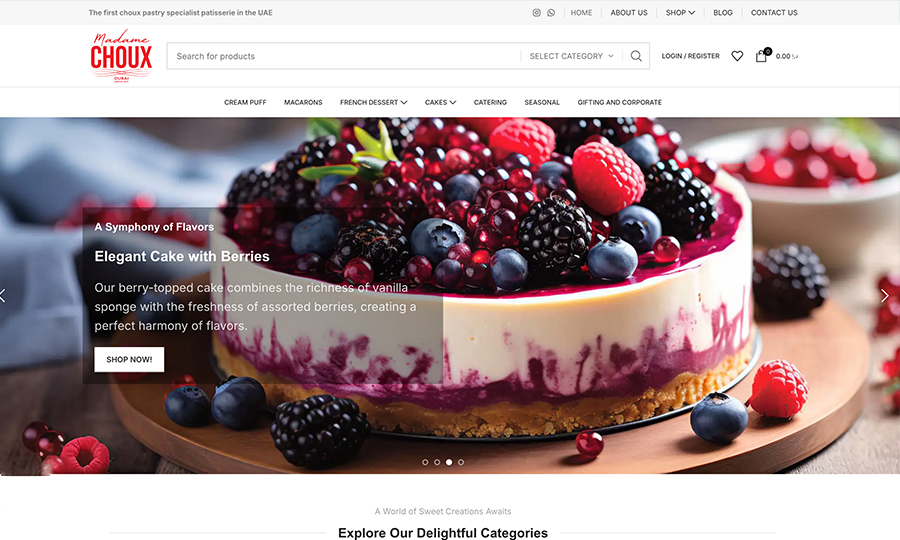
Pastry shop online store design

Madame Choux

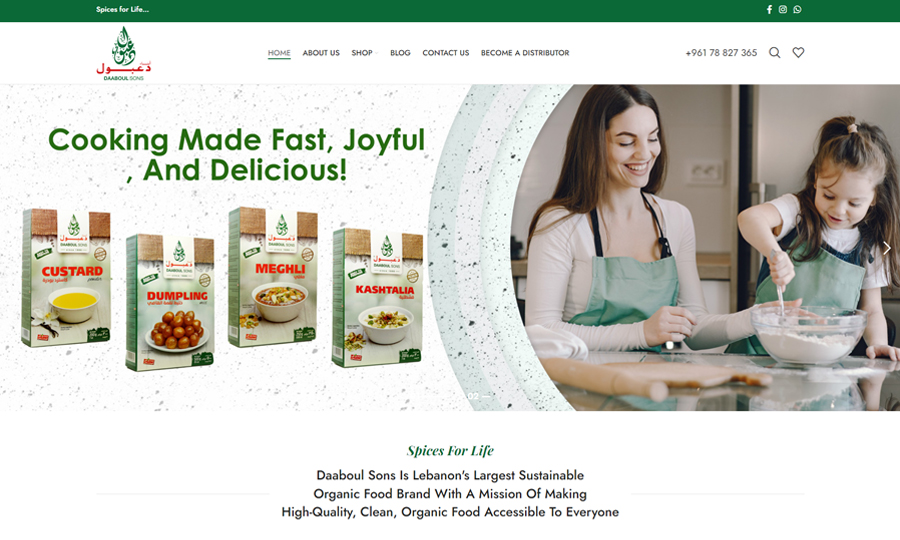
Spices online store design

Daaboul Sons Spices

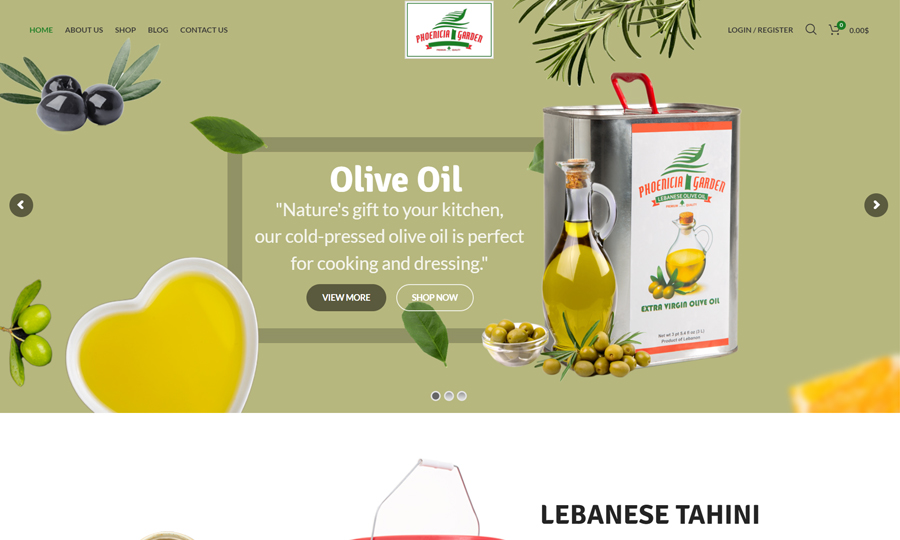
Phoenicia Garden online store design

Phoenicia Garden

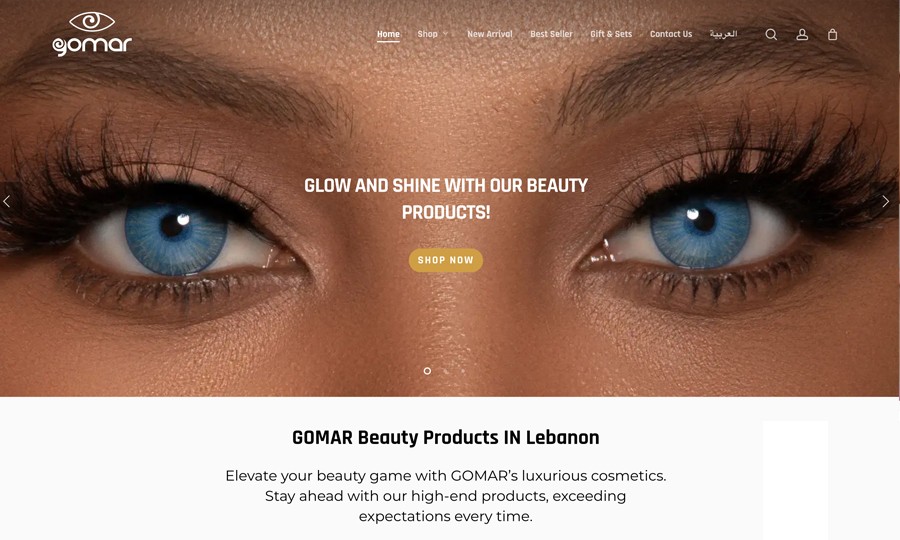
Beauty products online store design

Gomar Beauty UAE

Travel agency website design

Fayad Travel

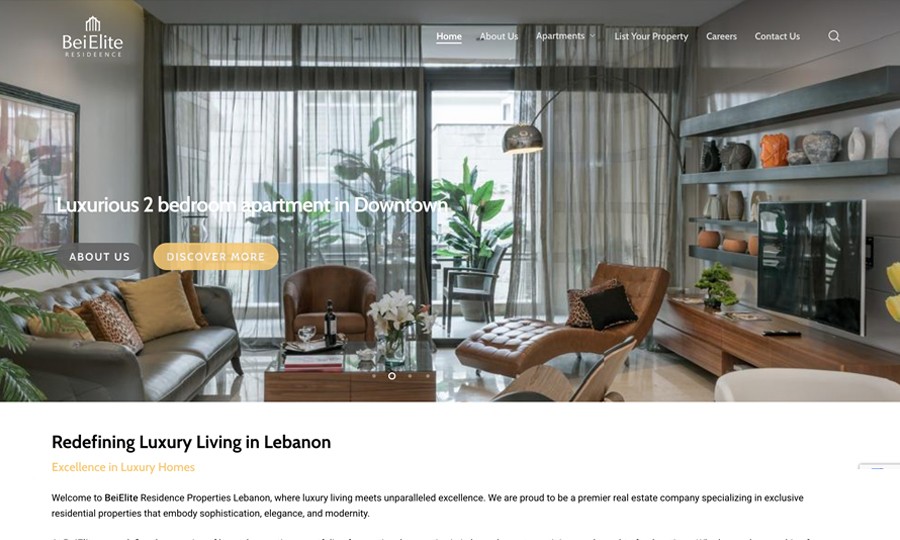
Residential property website design

BeiElite Residence Properties

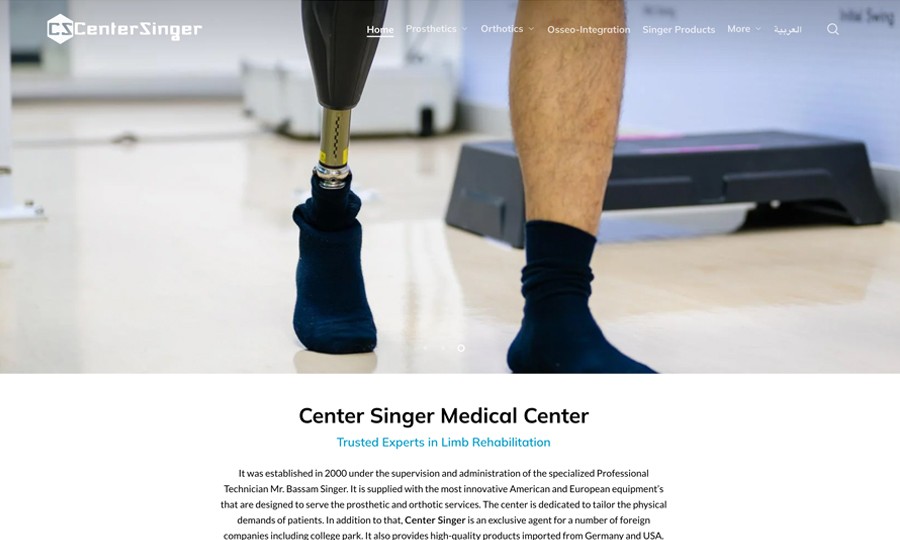
Center Singer website design

Center Singer

CMTC Africa website design

CMTC Africa

Services you can add after mobile fixes

Any of these can be requested with the mobile fixes or later; each one is a separate line in the quote.

Phones, a tablet and a desktop showing one Arabic site

Phones, browsers and speed checks we use

Phones and browsers

  • iPhone with Safari, Android with Chrome
  • Instagram’s in-app browser for social media traffic
  • Exact device list written in the proposal

Speed, measured twice

  • PageSpeed Insights on each agreed page
  • Core Web Vitals field data where Google has it
  • Before and after figures side by side

Arabic checks

  • Letters joined, never letter-spaced
  • Numbers and prices in order inside Arabic lines
  • Every form sent with Arabic input
Woman in an abaya holding flowers beside a phone showing marketing screens

What we need, and who signs off

A fix list is only as accurate as what we can see. Send these with the request; the first two are enough to start.

  • Problem pages: links to the pages that fail, and the phone you saw it on.
  • Admin login: a user account for us, or hosting access, never your own password.
  • Screenshots: anything customers or staff have sent you, with the date.
  • Licences: paid themes and plugins in your company’s name, so updates still work.
  • Dates: a launch, campaign or season the fixes must be ready for, and the person who signs off.

Missing a login or licence? List it anyway; the proposal notes what has to be found before work starts.

Brands from our client list

The logos below are Creative 4 All clients from several markets, mostly outside Kuwait. Most of them hired us for services other than mobile fixes.

Where a broken phone view costs the most

Each sector has one page customers must be able to use on a phone. These are typical faults we look for first; they are examples, not Kuwait client names.

Restaurants and cafés: an Arabic menu posted as an unreadable image

Clinics: booking dates shown in the wrong order in Arabic

Real estate: area filters wider than the screen

Car showrooms and garages: spec tables that scroll sideways

Perfume and abaya shops: size and scent options too small to tap

Schools and training centres: forms that reject Arabic names

Wedding halls and events: date calendars that break in Arabic

Contractors and B2B: a company profile PDF too heavy to open

What sets the price of mobile fixes

Two quotes for “making a site responsive” can describe very different jobs. Compare them line by line: which templates, which language versions and which kinds of fault each one covers.

Three lines to look for in a proposal:

  • Templates by name: each template listed with the faults it has, in Arabic and in English.
  • Arabic-specific work: fonts, direction and form input on the Arabic templates, on a line of its own.
  • Speed and hosting: image and script work, with any hosting change quoted separately.

Send the site address and the problem pages with your quote request, and the reply lists the templates we would fix.

Line by line

Each template, the faults on it, and the phones it will be tested on.
Price drivers

The number of templates, the theme or page builder, and plugin conflicts.

Separate costs

Paid plugin licences or a hosting upgrade, if needed, are listed apart.

Exclusions

Pages or faults left out are written down, so nothing is assumed.

Request a quote for mobile fixes

Use the quote form to send the site address, the pages that fail and the phone you saw it on, for example: “the Arabic menu opens off-screen on iPhone and the order form rejects Kuwait mobile numbers”. We reply by email with an outline of the fix list or the questions we need answered first.

A speed plugin, or template fixes?

Caching and image plugins can make pages load faster, and they are worth having. They don’t touch the templates, though, so an Arabic menu that opens off-screen, a font with missing letters or a form that rejects input stays exactly as it was. Some add their own scripts and slow the phone view further. We check what is already installed before quoting, and keep the plugins that help.

What a speed plugin alone will not fix

  • Right-to-left layout in the Arabic theme
  • Arabic letters that come apart
  • Forms that reject Arabic or Kuwait input
  • Floating buttons covering content
  • Menus that fail in in-app browsers

What Kuwait businesses ask about mobile fixes

Direct answers on Arabic layouts, testing, backups, Google, timing and online stores.

Not on desktop. The design stays the same; templates are corrected so they behave properly on small screens. If you want a new look as well, that is a redesign, quoted under web design.

Usually the theme’s right-to-left styles cover the desktop layout but not the mobile menu, sliders or forms. A web font without Arabic letters can also make the iPhone fall back to a system font with different spacing.

At least an iPhone with Safari and an Android phone with Chrome, plus Instagram’s in-app browser if your visitors arrive from social posts. The exact list is written in the proposal.

Yes. Files and database are backed up before the first change and again before go-live, so any step can be reversed.

Google mostly uses the mobile version of a site for indexing, so a broken phone view works against you. Fixing it removes that problem, but nobody can promise rankings. For search growth, ask about our SEO service as its own project.

Yes. If you run Google or social ads, the landing pages can go first on the fix list, so paid clicks stop arriving on a broken phone view.

Usually not. Admin and hosting access are enough to work on a copy. Paid themes and plugins should be licensed in your company’s name, otherwise updates may be blocked; we flag any we find.

Tell us the date in the request. We order the fix list so the pages that season needs come first, and the proposal says whether the date is realistic.

Through the quote form on this page. We reply by email, with a first outline of the fix list or with the questions we need answered.

Often, yes: product, cart and checkout templates get the same fixes as other pages. Payment pages hosted by your provider can only be changed by the provider. If the store needs more than layout work, see our e-commerce service.

No. We work by video call and email, and share staging links online. Requests come through the quote form on this page.

From our blog: phone visitors and Arabic pages

Articles on Arabic websites, forms and page speed, to read before you send the pages that break.